awesome
A Lua-scripted tiling WM that ships a working setup, so you get dynamic tiling without starting from zero.
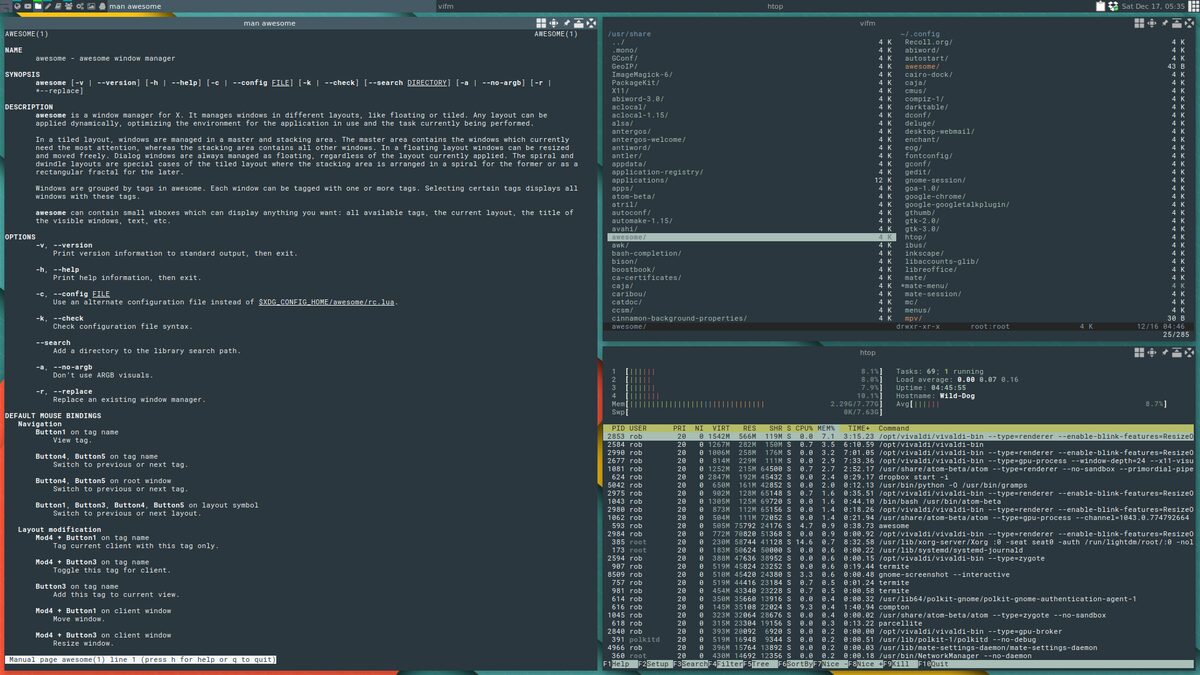
awesome is the programmer\'s window manager: the entire environment is written and configured in Lua, and your config file is a program, not a settings list. Layouts, widgets, keybindings, and behaviors are all code you can extend; the built-in wibox widget system draws bars and indicators without external tools.
It pioneered dynamic tiling on X11: layouts switch per-tag (its more powerful take on workspaces), windows can float when needed, and everything responds to rules you script. The result attracts people who think in code and want their WM to be a programmable instrument. Ship-shape defaults mean it works out of the box, then grows however far you care to script it.
Strengths
- Fully programmable: your desktop logic is Lua you control.
- Dynamic tiling with per-tag layouts, floating on demand.
- Built-in widget system: bars and indicators need no extra tools.
- Works usably from first launch, unusual for scriptable WMs.
- Very stable codebase with long-proven behavior.
Considerations
- X11 only; no Wayland path on the horizon.
- Lua scripting is the interface; non-programmers will fight it.
- Big config ambitions become real software projects.
Standout features
- The reference programmable WM since 2007.
- Tags instead of workspaces: windows belong to many views at once.
- wibox widgets: draw your entire status world natively.
- A config that is genuinely yours, down to the logic.
Who it's for
Best for
Programmers who want to script their environment and treat the WM as a platform.Maybe not for
Non-coders and Wayland migrants; the power is the programming.The awesome player profile
In Distro Fighter's desktop round, awesome tends to win for people who…

Signature moves
Similar desktops
Is awesome right for you?
Answer eight quick questions and watch the distro round crown your pick, then five more choose your desktop. No signup, about 60 seconds.