MATE
The classic GNOME 2 layout, kept alive: simple, fast, and predictable.
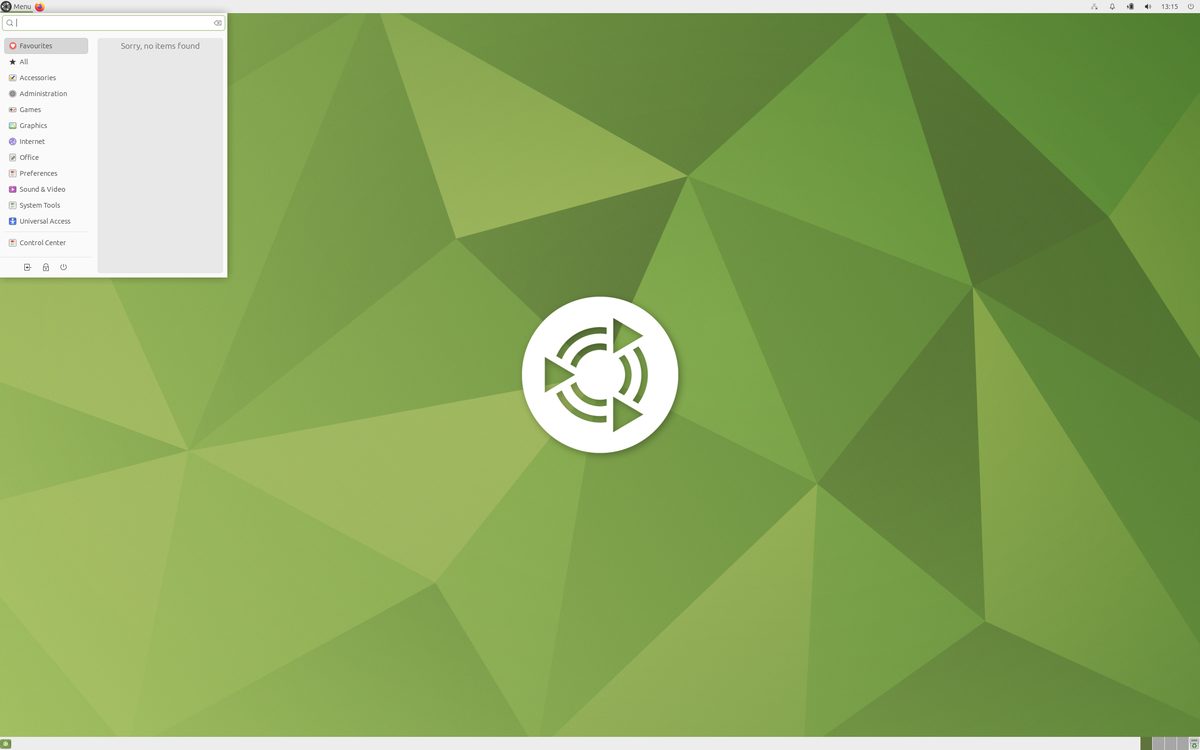
MATE is GNOME 2 kept alive and healthy: the beloved two-panel, menu-driven desktop of 2000s Linux, forked when GNOME 3 replaced it, and maintained with care ever since. For a generation of users this layout is simply what a computer looks like, and MATE preserves it with modern GTK underpinnings, current library support, and steady maintenance.
It is light, predictable, and pleasantly boring: Caja manages files, panels hold what you put there, and nothing rearranges itself between releases. MATE runs beautifully on old machines and remains a favorite for remote desktops and utilitarian workstations where consistency beats fashion.
Strengths
- The classic GNOME 2 experience, faithfully maintained.
- Light on resources; happy on decade-old hardware.
- Completely predictable: layouts and behavior never surprise you.
- Solid panel customization with traditional applets.
- Well supported across many distros, including a Mint edition.
Considerations
- Visually plain by modern standards without theming effort.
- X11-based; Wayland support remains work in progress.
- Feature development is preservation-minded, not ambitious.
Standout features
- The direct continuation of the most-loved classic Linux desktop.
- Caja file manager: the old Nautilus, kept sensible.
- A refuge for muscle memory formed over twenty years.
- Reliable choice for remote/VNC desktops and lab machines.
Who it's for
Best for
Users whose ideal desktop is the classic two-panel layout, and modest hardware needing a dependable workhorse.Maybe not for
Anyone seeking modern flourish or Wayland-native workflows.The MATE player profile
In Distro Fighter's desktop round, MATE tends to win for people who…

Distros that ship it
Signature moves
Similar desktops
Is MATE right for you?
Answer eight quick questions and watch the distro round crown your pick, then five more choose your desktop. No signup, about 60 seconds.